Evaluating Kids PSD 3D Editable Text Effects for Creative Projects
In the realm of digital design, efficiency and visual appeal often go hand in hand. For designers, marketers, and content creators targeting younger audiences, the Kids PSD 3D Editable Text Effect represents a specialized tool designed to streamline the creation of vibrant, dimensional typography. These pre-configured Adobe Photoshop files allow users to generate complex three-dimensional text styles without manually constructing layers, lighting, and shadows from scratch. Understanding the utility, limitations, and ideal use cases for these assets is essential for determining whether they align with your specific project requirements.
Understanding the Technology Behind the Effect
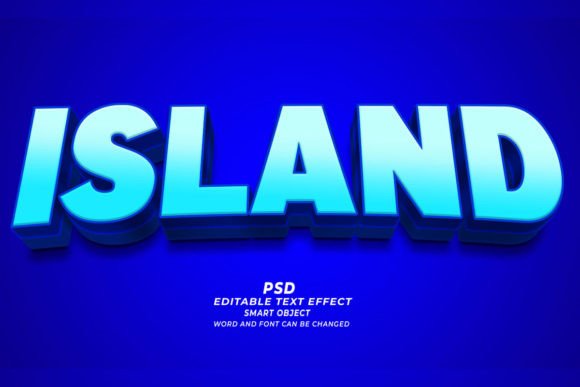
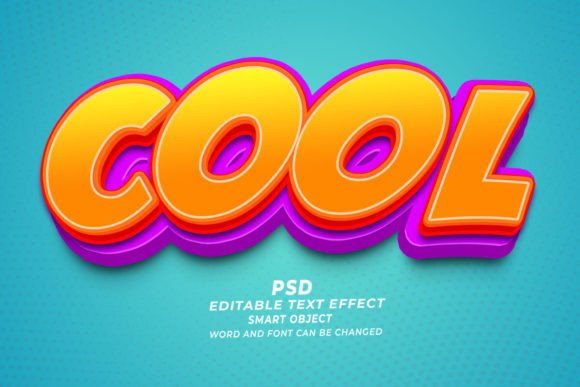
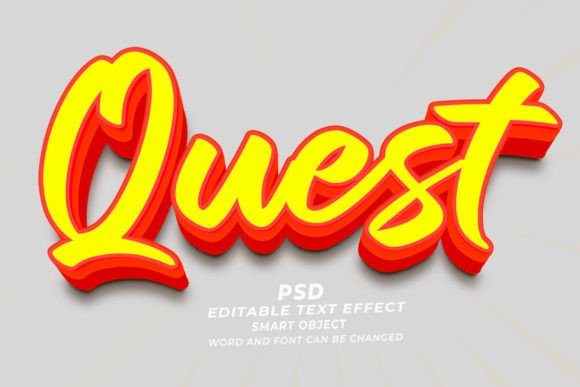
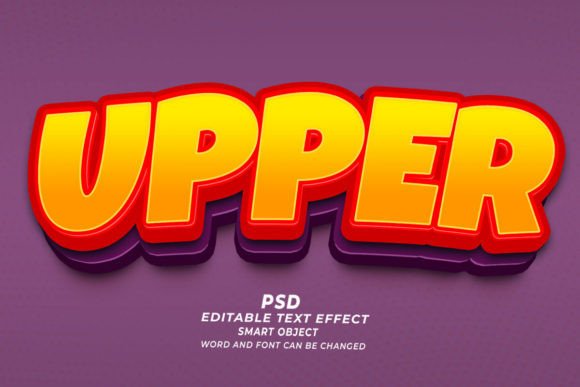
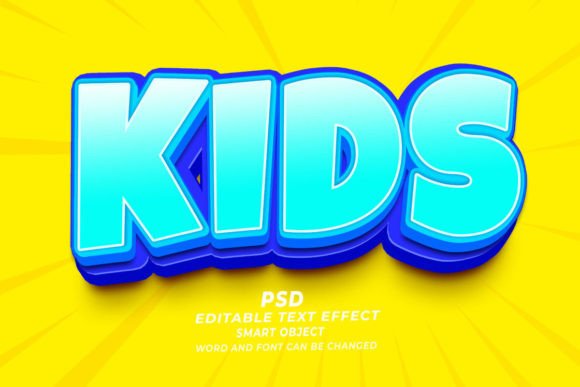
At its core, a Kids PSD 3D Editable Text Effect is a layered Photoshop document that utilizes Smart Objects. This technology is fundamental to modern non-destructive editing. When you open the file, the primary text layer is embedded within a Smart Object container. By double-clicking this layer, a new window opens where you can input your desired text, adjust fonts, or modify shapes. Upon saving and closing this window, the main document automatically updates, applying the predefined 3D styling, textures, colors, and lighting effects to your new input.
This process eliminates the need for advanced knowledge of Photoshop’s 3D engine or complex layer styling techniques. The effect is pre-rendered to look appealing immediately, often featuring bright colors, playful textures, and rounded edges that resonate with children’s aesthetics. The files are typically delivered at a high resolution of 300 DPI, ensuring that the output is suitable for both digital screens and physical printing.
Why Designers Choose Pre-Made 3D Text Effects
The primary driver for adopting a Kids PSD 3D Editable Text Effect is time efficiency. Creating realistic or stylized 3D text manually involves multiple steps: extruding shapes, setting up light sources, adjusting material properties, and refining shadows. For a professional designer working on tight deadlines, such as those involved in Print on Demand (POD) or quick-turnaround marketing campaigns, this manual process can be prohibitively slow. Pre-made effects reduce this workflow to a matter of minutes.
Furthermore, consistency is a significant factor. When producing a series of designs, such as a collection of T-shirts or a set of web banners, using a standardized text effect ensures a cohesive visual identity. This is particularly valuable for brands launching multiple products simultaneously. The ability to simply click and edit allows for rapid iteration, enabling creators to test various phrases and layouts without rebuilding the stylistic foundation each time.
Key Benefits and Practical Applications
The versatility of these PSD files makes them applicable across a wide range of media. Because the files are high-resolution and editable, they serve as a robust foundation for various commercial and personal projects.
- Print on Demand and Apparel: The bold, eye-catching nature of 3D text works exceptionally well on T-shirts, hoodies, and tote bags. The high contrast and dimensional look stand out on fabric, making it a popular choice for POD sellers.
- KDP Book Covers: Children’s book authors using Kindle Direct Publishing often require engaging cover art. A 3D title treatment can add professionalism and visual interest, helping the book stand out in thumbnail views on online marketplaces.
- Digital Marketing Assets: Web banners, social media posts, and YouTube thumbnails benefit from the pop of 3D typography. The effects are optimized for screen viewing, ensuring clarity and impact even at smaller sizes.
- Educational Materials: Teachers and educational content creators can use these effects to make worksheets, posters, and presentation slides more engaging for young learners.
Another notable advantage is the flexibility regarding content. While marketed as "text" effects, these templates often work with any kind of shape placed within the Smart Object. This means designers can apply the same 3D styling to logos, icons, or custom illustrations, expanding the utility beyond simple typography.
Tradeoffs and Considerations
While the convenience of a Kids PSD 3D Editable Text Effect is undeniable, it is important to recognize the tradeoffs. The most significant limitation is customization depth. Because the lighting, texture, and perspective are pre-baked into the smart object structure, making major structural changes—such as altering the angle of the light source or changing the material from plastic to metal—can be difficult without advanced Photoshop skills. Users are generally confined to the aesthetic parameters set by the original creator.
Additionally, file size can be a concern. High-resolution PSDs with multiple smart objects and layer styles can become large, potentially slowing down older computers or consuming significant storage space. Designers working with limited hardware resources should consider this factor when purchasing bundles of these effects.
There is also the risk of visual saturation. Since these templates are available to many users, there is a possibility that similar designs may appear across different platforms. To mitigate this, it is advisable to customize the color palette or combine the text effect with unique background elements to maintain originality.
When to Use This Tool Versus Alternatives
Deciding whether to use a pre-made PSD effect depends largely on the project’s scope and your technical proficiency. These tools are a strong fit when:
- Speed is critical: You need to produce multiple variations of a design quickly.
- Budget is limited: Hiring a 3D artist or spending hours learning complex software is not feasible.
- Standardization is needed: You are creating a series of related items that require a consistent look.
However, alternatives may be worth considering in other scenarios. If you require complete control over every aspect of the 3D render, such as specific camera angles, dynamic lighting changes, or unique material physics, dedicated 3D software like Blender or Cinema 4D would be more appropriate. Similarly, if you are designing for a highly bespoke brand identity that demands unique typographic treatments, building the effect from scratch in Photoshop or Illustrator allows for greater creative freedom.
For users who do not have access to Adobe Photoshop, web-based design tools offer simpler, albeit less flexible, text effects. While these platforms are user-friendly, they often lack the high-resolution output and layer-level control provided by PSD files.
Making an Informed Decision
Integrating a Kids PSD 3D Editable Text Effect into your workflow can significantly enhance productivity and visual quality. To ensure it meets your needs, verify that your version of Adobe Photoshop supports the specific smart object features used in the template. Most modern versions are compatible, but checking system requirements is a prudent first step.
Before committing to a purchase or download, review the included documentation. High-quality templates will provide clear instructions on how to edit the text, change colors, and adjust sizes. Look for packages that offer a variety of styles within the "kids" theme, as this provides greater versatility for different projects. Remember that while the tool simplifies the technical process, the final impact still depends on your choice of wording, color harmony, and overall composition.
Ultimately, these editable text effects serve as a powerful bridge between amateur design attempts and professional-grade outputs. By leveraging the pre-built complexity of 3D rendering, creators can focus more on the message and less on the mechanics, resulting in more engaging and effective visual communications for young audiences.